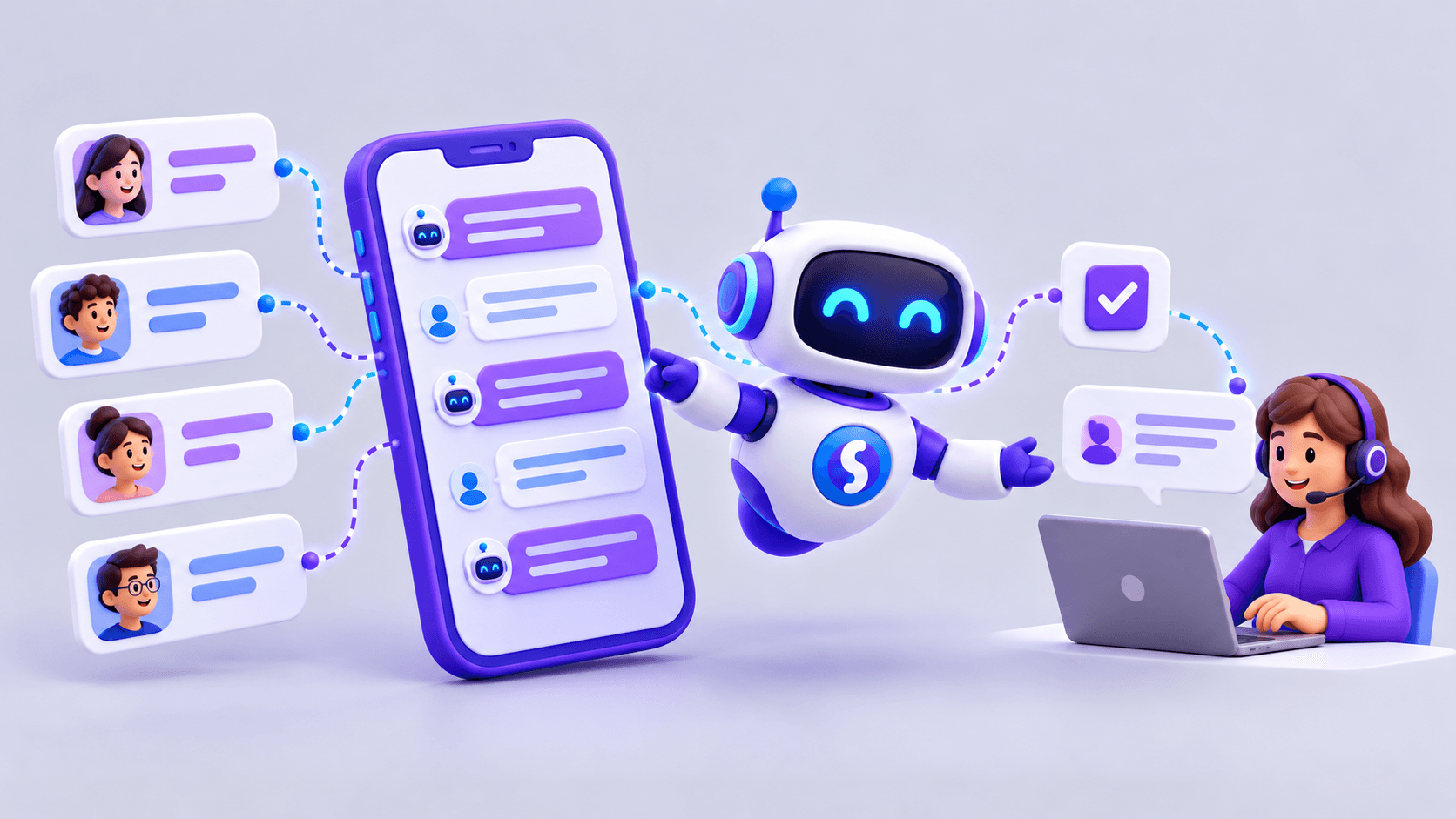
A useful customer service automation project starts with a concrete question: which repeated requests take time and could be handled safely with AI?
AI can answer FAQs, retrieve information, classify requests, assist operators and connect customers to a person. Making it useful requires a defined scope, reliable sources, clear limits and a way to measure results.
What customer service automation means
Automation can resolve or assist requests without manual intervention at every step. Examples include searching documents, checking orders or availability, gathering details before a handoff, routing by department, suggesting answers to operators and registering requests.
Different businesses need different capabilities. An online store may focus on delivery questions, a distributor on product availability, and a service company on routing. Understand the current process before choosing technology.
Why automate customer service?
Automation may help when repeated questions or information searches occupy much of the team's time. Potential benefits include faster responses, more simultaneous conversations, information outside business hours, better routing, improved data capture and fewer repetitive tasks.
It does not necessarily replace people. A useful design often handles straightforward requests automatically and sends complex ones to a person. Measure whether the experience actually improves.
Which requests should come first?
Start with frequent, manageable requests with clear answers: opening hours, payment methods, delivery policies, required documents, service information and routing. Order status or availability can also be candidates when accurate sources and appropriate access are available.
Sensitive complaints, negotiations, exceptions, approvals, legal issues and changes to critical data require greater care. A limited first scope is easier to control than attempting to automate all service from day one.
Step 1: review current conversations
Look for repeated questions, requests requiring searches, common handoffs, delays, mistakes and topics the AI should not answer. Identify where customer details are needed and where a standard answer is sufficient.
The evidence may challenge initial assumptions: a team expecting a sales automation project may discover that delivery and documentation questions account for most of its workload.
Step 2: define an initial scope
Specify the objective, channels, sources, handoff rules and success measure. For example: answer common product questions on WhatsApp and web chat using the catalog and commercial documentation; hand off when requested or outside scope; track resolution without manual intervention alongside answer quality.
This gives the pilot a clear boundary and makes results easier to interpret.
Step 3: prepare the information
Gather FAQs, commercial documents, manuals, policies, sales conditions, catalogs, technical information, procedures and knowledge bases. Assign responsibility for keeping them current.
Stable information
Service policies, general conditions, instructions and manuals can be organized in documents or knowledge bases.
Changing information
Stock, prices, orders, balances, available appointments, customer details, invoices and delivery dates usually need a query to the relevant system. An outdated file is not a reliable source for information that changes throughout the day.
Step 4: choose the channels
Use the channels where customers already communicate: websites, WhatsApp, Instagram, portals, business applications or ticketing systems, depending on the implementation.
Website automation
A website agent can answer commercial questions, guide product discovery and collect contact details. It can ask for more information and route an opportunity to a salesperson.
WhatsApp automation
WhatsApp can support FAQs, product questions, information collection, status updates and sales handoffs. Customers can continue using a familiar channel.
Step 5: define human handoffs
Make exits from automation clear. A handoff may be needed when requested, when information is missing, for sensitive complaints, frustration, approvals, negotiations, identity validation or questions outside scope.
Handoff is part of the process, not necessarily a failure. Define who receives the case and what information accompanies it so the customer does not need to start again.
Step 6: write brief, useful answers
Customers usually need a direct answer and a next step. Ask only for necessary details, do not invent information, explain limitations and offer a handoff when appropriate. Keep the tone consistent with the business.
For example, if a verified inventory query reports 12 units of product ABC123, an answer can state the availability and offer a salesperson for a larger quantity. This is more useful than a generic promise that someone will check. The quantities here are illustrative, not a result claim.
Step 7: connect systems when needed
Document-based automation may eventually need an ERP, CRM, e-commerce platform, inventory database, order system, billing system or ticketing platform.
An agent answering “What's the status of order 45891?” needs an authorized way to identify the customer and retrieve the record. Every integration needs permissions and controls. Reading a value and changing it are different capabilities.
Step 8: test before launch
Use real or simulated conversations covering several conditions:
- Simple: “What are your opening hours?”
- Dynamic: “Is this product in stock?”
- Ambiguous: “Has mine arrived?”
- Sensitive: “I've complained several times and nobody answers.”
- Outside scope: “Approve a special discount for me.”
Check correctness, clarification questions, boundaries and handoffs before exposing the agent to all customers.
Step 9: measure outcomes
Track conversations, automatic resolutions, handoffs, first-response and resolution times, satisfaction, common topics, errors, out-of-scope questions and sales opportunities where relevant.
Prioritize measures tied to the objective. Response speed matters if delays were the problem; manual workload matters if the aim was to relieve operators; opportunity quality matters for a sales use case. Do not treat conversation volume alone as success.
Step 10: improve continuously
Review incorrect responses, add missing FAQs, correct documents, refine handoff rules, improve instructions, assess unresolved requests and incorporate operator feedback. Add integrations when a validated need justifies them.
Publishing the agent is the start of ongoing operation. Real conversations reveal gaps that initial testing cannot anticipate completely.
Practical example: commercial requests
A company receives product questions through WhatsApp and web chat. An initial workflow could:
- Identify the product or ask for clarification.
- Query the catalog or inventory.
- Answer with available information.
- Gather contact details if the customer wants to proceed.
- Transfer the conversation to a salesperson.
The agent handles preliminary work so the salesperson receives a clearer request, with the customer's needs already identified.
Common mistakes to avoid
Skipping conversation research
Without evidence of why people contact the business, the project may solve a secondary problem.
Using outdated sources
A quick incorrect answer can damage the experience.
Leaving boundaries undefined
The system needs a clear scope and handoff conditions.
Writing unnecessarily long responses
Clarity and a useful next step usually matter more than a lengthy explanation.
Blocking access to people
Customers should have a clear way to continue with a person.
Failing to measure
Without a baseline and outcome measures, improvement is difficult to establish.
Chatbot, agent or hybrid?
A traditional chatbot may be sufficient for known FAQs, menus, basic data collection and routing. An agent can help with variable questions, document retrieval, changing system data and multistep processes.
A hybrid can use flows for predictable steps, agents for variable work and people for sensitive or complex decisions.
Start with a manageable pilot
For example, begin with common commercial questions on WhatsApp, supported by documents, opening hours, policies and the catalog. Define handoffs for requests for a person or commercial judgment. Measure resolutions, handoffs and satisfaction.
After validation, consider stock lookup, CRM connections, order status, classification, lead capture or reporting. Expand in stages that the team can supervise.
Customer service automation with Sabio
Sabio combines AI agents, company documentation, configured integrations and human intervention through channels such as WhatsApp and web chat. A business can begin with FAQs or initial commercial requests, then add capabilities within an agreed scope.
Useful automation depends on the process, sources, limits, integrations and ongoing review as much as on the model. Start with a concrete problem and measure the result before expanding.