Artificial intelligence agents let businesses use AI to answer questions, retrieve information, use tools and carry out specific actions. An agent might search for a product, check inventory, retrieve a customer record from a CRM or help prepare a quote.
Their distinguishing capability is that they can use different sources and tools to work toward a goal. What they can actually do depends on their configuration, integrations and permissions.
What is an AI agent?
An AI agent is a system that interprets a request, considers its context and uses available tools to perform a task. Suppose a salesperson asks:
“Do we have 20 Lenovo laptops with 16 GB of RAM available?”
An agent connected to inventory could:
- Interpret the requested specifications.
- Search the catalog.
- Filter matching products.
- Check available quantities.
- Present the options to the salesperson.
Instead of manually searching several systems, the user interacts with information in natural language. Conversation can become another interface to a company's systems.
How does an AI agent work?
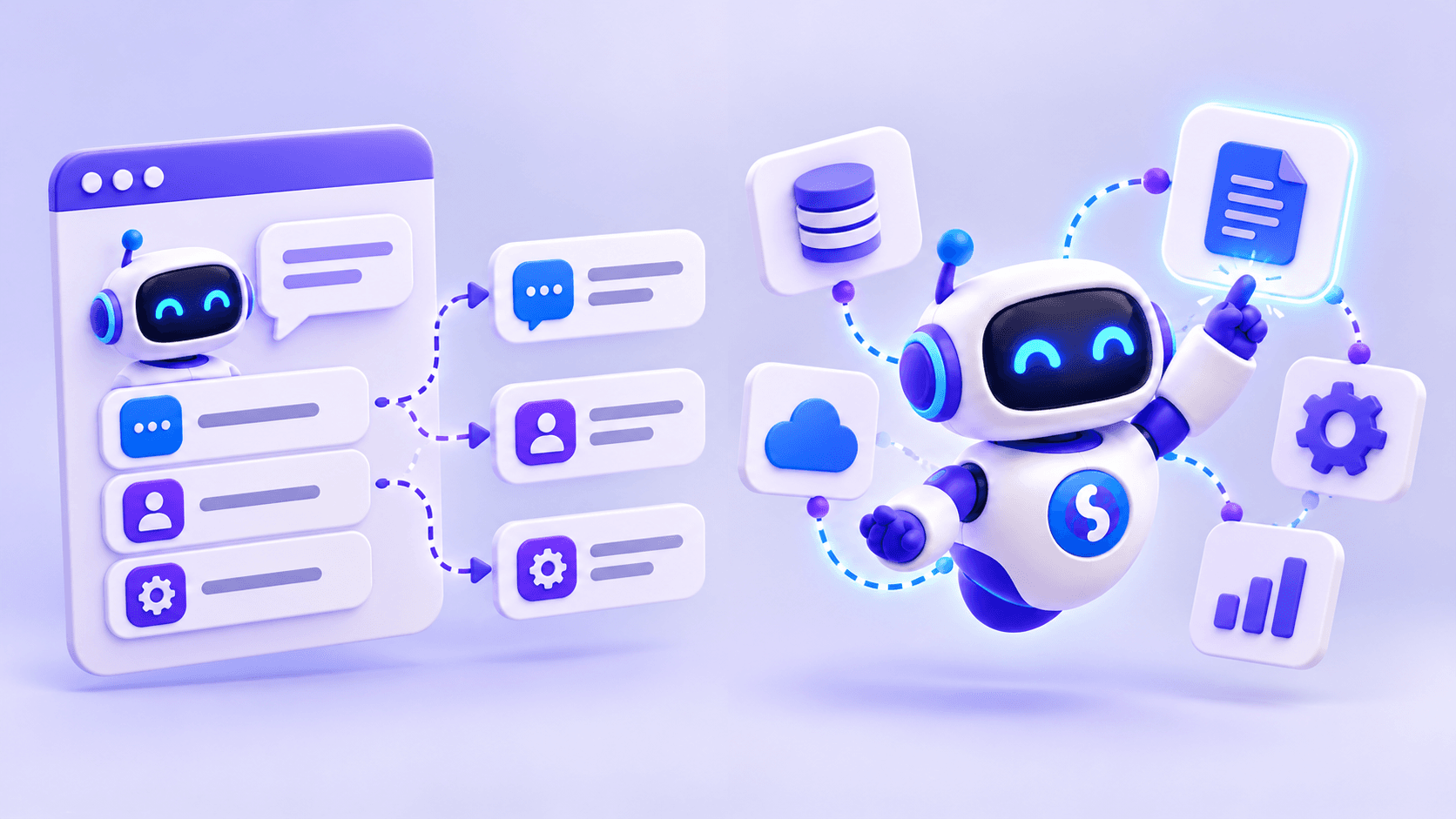
Architectures vary, but a business agent generally combines four elements.
1. An AI model
The model interprets the request and determines what is needed to answer it. Users rarely provide perfectly structured instructions. “Find me an available Lenovo laptop with 16 GB” requires identifying the product category, brand and memory requirement, then checking availability.
2. Business information
The agent needs reliable sources: documents, manuals, catalogs, databases, spreadsheets or business systems. The appropriate source depends on the question. A relatively stable exchange policy may be in a document; product availability should come from an up-to-date source.
3. Tools and integrations
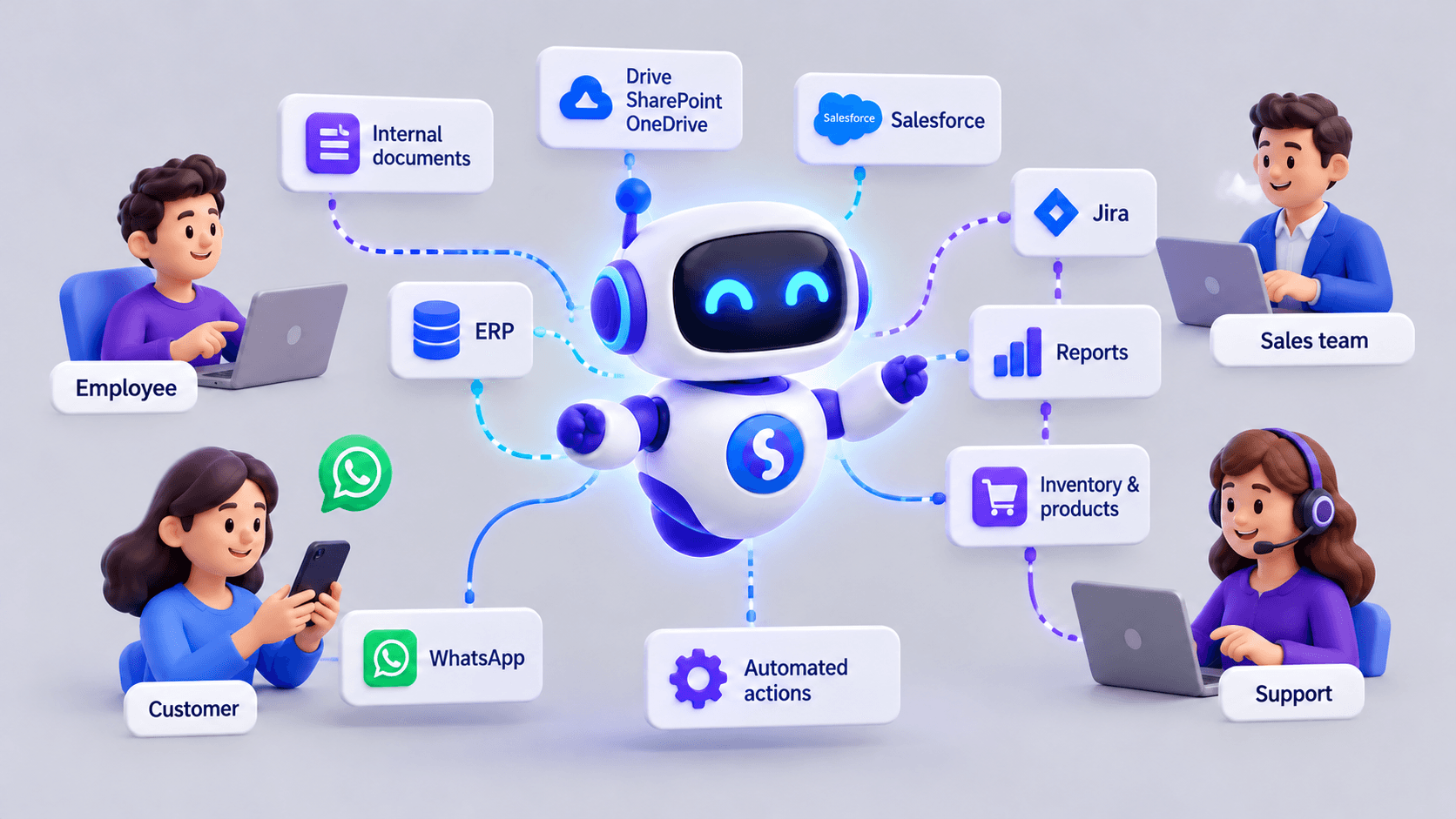
Tools connect the agent to ERPs, CRMs, e-commerce platforms, inventory systems, APIs, databases or ticketing systems. This lets it answer questions using information that is not stored directly inside the agent.
4. Rules and permissions
The business must define what the agent can retrieve, disclose and do; when it needs authorization; and when it should hand a conversation to a person. Permissions are especially important when an agent can modify data or start a process.
What can businesses use AI agents for?
Use cases depend on each organization. Common applications include customer service, sales support, purchasing and internal knowledge access.
Customer service
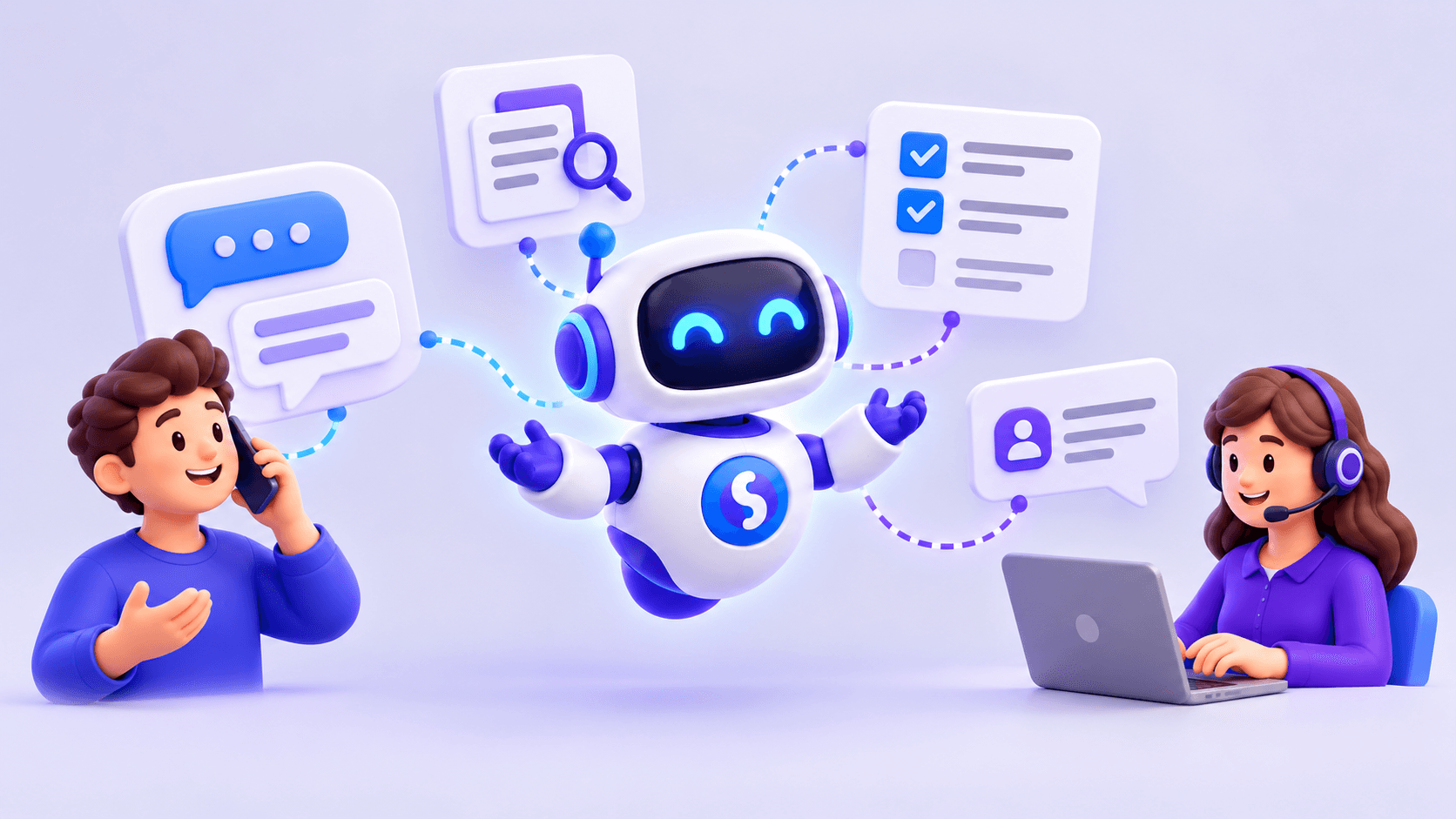
An agent can answer questions about products, services, documents or business policies. With appropriate integrations, it can also check an order's status, look up availability, identify a customer, retrieve an invoice, classify a request or transfer a conversation to an operator.
The goal does not have to be complete automation. Often, automating repeated questions while keeping people available for complex situations provides the most useful balance.
AI agents on WhatsApp
WhatsApp can be a channel for interacting with a business agent. A salesperson might ask, “How many units of product ABC123 are left?” The agent can identify the code, query the relevant system and respond with the available information.
In this setting, WhatsApp serves as both a messaging channel and an interface to business information. Access still depends on the connected systems and permissions.
Sales
Agents can help sales teams answer initial questions, identify needs, qualify opportunities, find products, check availability, suggest alternatives, retrieve commercial information, record data in a CRM or prepare information for a quote.
These capabilities can reduce administrative work so people can focus on opportunities that require their judgment. Each action must be supported by an authorized tool.
Purchasing and suppliers
Businesses working with several suppliers often have information spread across sources. An agent could help answer, “Which suppliers have this product available, and at what price?” Depending on the integrations available, it could consolidate results, compare alternatives and retrieve historical information.
Internal questions
Agents can also serve employees. They can provide conversational access to procedures, policies, contracts, manuals, administrative information, knowledge bases and data held in business systems. Access should reflect each person's role and permissions.
Which systems can an agent connect to?
Possible sources include ERPs, CRMs, APIs, databases, e-commerce platforms, inventory systems, internal documents, spreadsheets, ticketing systems and customer service tools.
Not every implementation needs many connections. Starting with only the sources required for one specific problem makes the project easier to validate and maintain.
Practical example: a technology distributor
A distributor carries thousands of products. A salesperson receives a request for 20 available Lenovo laptops with 16 GB of RAM. Without automation, they may need to open inventory software, search products, review specifications and check quantities.
An agent connected to the catalog and inventory could identify the requirements, find matching models, exclude those with insufficient stock and present the remaining options. With additional permissions and tools, it could then retrieve prices or prepare information for a quote.
The inventory system remains the source of truth. The agent makes it easier for people to interact with that system.
AI agent vs. chatbot: are they the same?
A traditional chatbot typically follows rules, menus or predefined flows. An AI agent can interpret a request and choose which available tool to use. The boundary is not absolute: many chatbots now include language models, information retrieval and advanced integrations.
The useful question is what capabilities the solution provides. See our comparison of AI agents and chatbots.
Do AI agents replace people?
Not necessarily. In many processes, combining AI with human intervention is more useful than automating everything. An agent should hand over when information is insufficient, an exception arises, approval is needed, a request is sensitive or the user asks for a person.
For example, an agent might report availability and prices but transfer negotiations over special commercial terms to a salesperson. Automation should reduce unnecessary work while preserving access to people.
What should a business evaluate first?
What problem are we solving?
“Our salespeople spend too much time checking stock” is a more useful starting point than simply wanting AI.
Who will use the agent?
Customers, salespeople, operators, buyers and employees need different information and permissions.
Where is the information?
Identify which answers belong in documents and which require a live system query.
What may the agent do?
Permission to read information does not automatically authorize changes to it.
When should a person intervene?
Design handoffs and approval points from the beginning.
How to get started
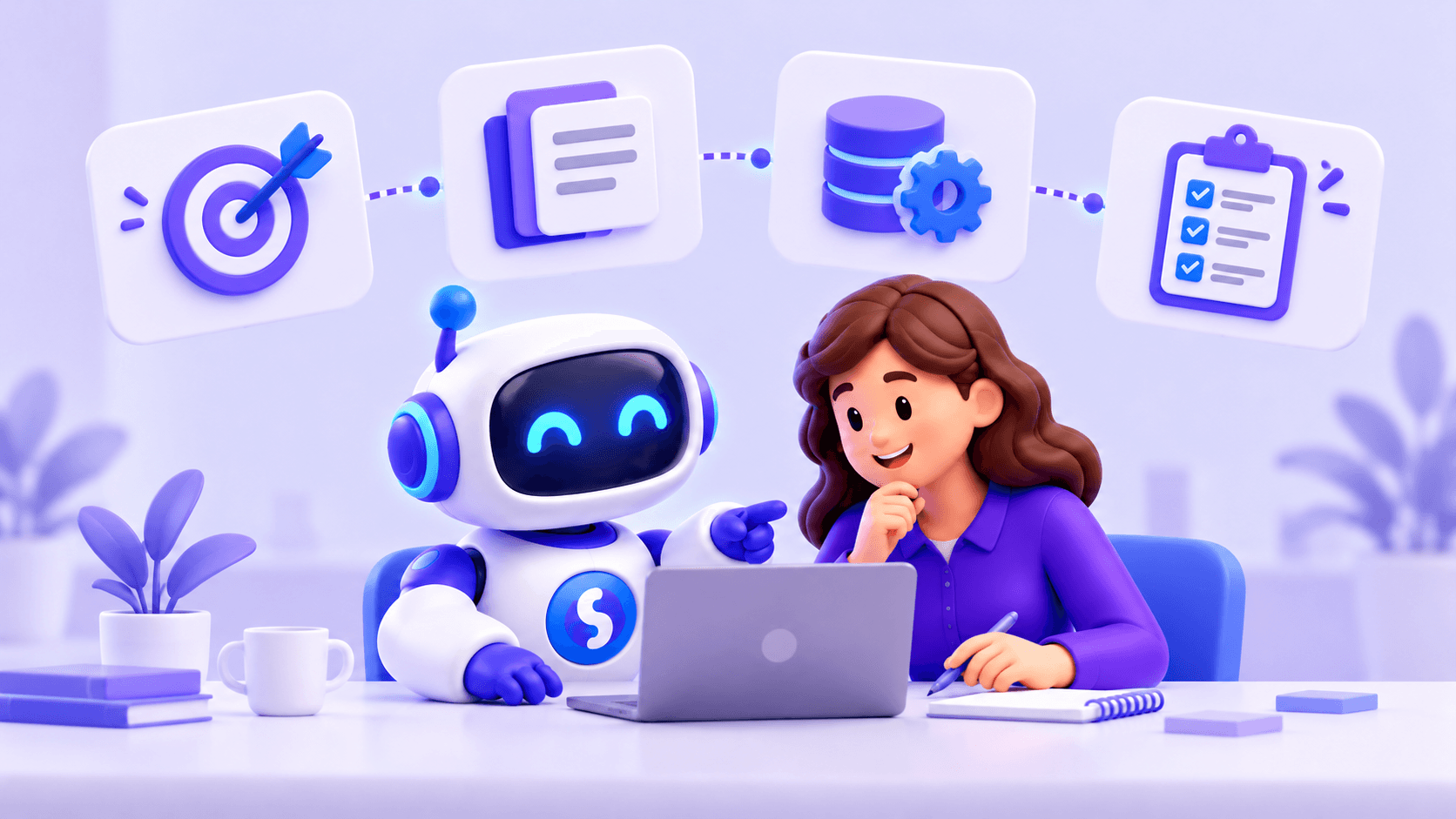
Choose a specific use case: frequent stock questions, an inventory connection, WhatsApp or a web application as the channel, and stock lookup as the first capability. Measure time spent on manual searches before and after implementation.
Once that works reliably, expand gradually: stock, prices, products, quotes and CRM tasks. The implementation should evolve with the process.
Frequently asked questions
What is an AI agent in a few words?
An AI system that interprets a goal and uses information or tools to try to achieve it.
Can it connect to an ERP?
Yes, when the system supports an appropriate integration and the required permissions are configured.
Can it work on WhatsApp?
Yes. WhatsApp can be the channel for an agent connected to business information and systems.
Can it take actions?
That depends on its configuration. Some agents only retrieve information; others can create records, update systems or start processes.
Does it need human intervention?
Not for every request, but the situations requiring handoff or approval should be defined.
Business AI agents with Sabio
Sabio implements AI agents for business processes through channels such as WhatsApp and web chat. Agents can use company documents, retrieve information through integrations and use tools configured for the agreed process.
An implementation can begin with document questions or product lookup, then add systems and actions. The aim is to make the tools a business already uses easier to access through AI.