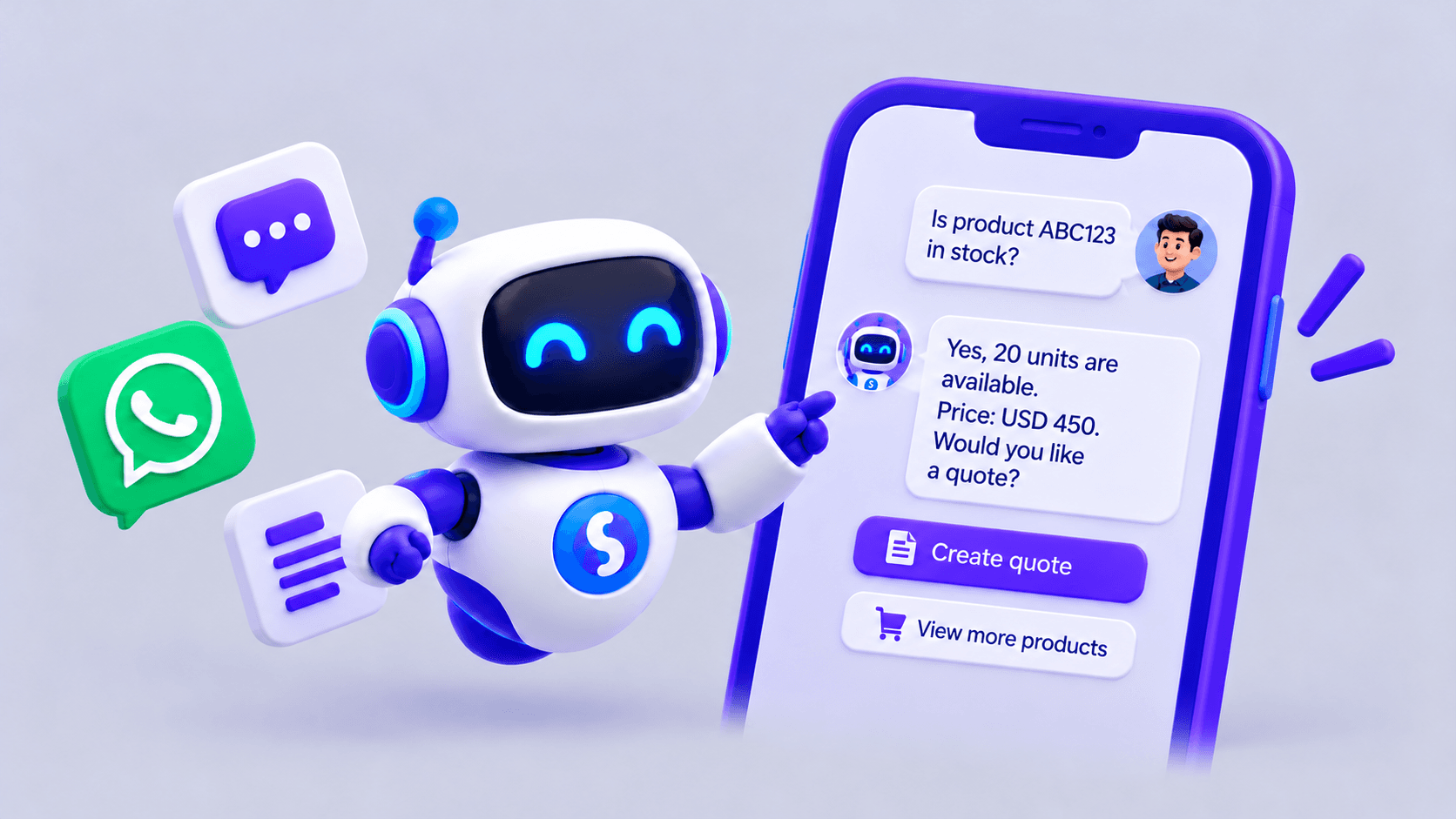
WhatsApp can act as an interface for retrieving information and advancing business tasks through AI agents. Its value depends on the integrations, user authentication and permissions assigned to each agent.
What is an AI agent for WhatsApp?
An AI agent for WhatsApp interprets messages in natural language and uses authorized information or tools to help complete a task. It can assist customers and employees.
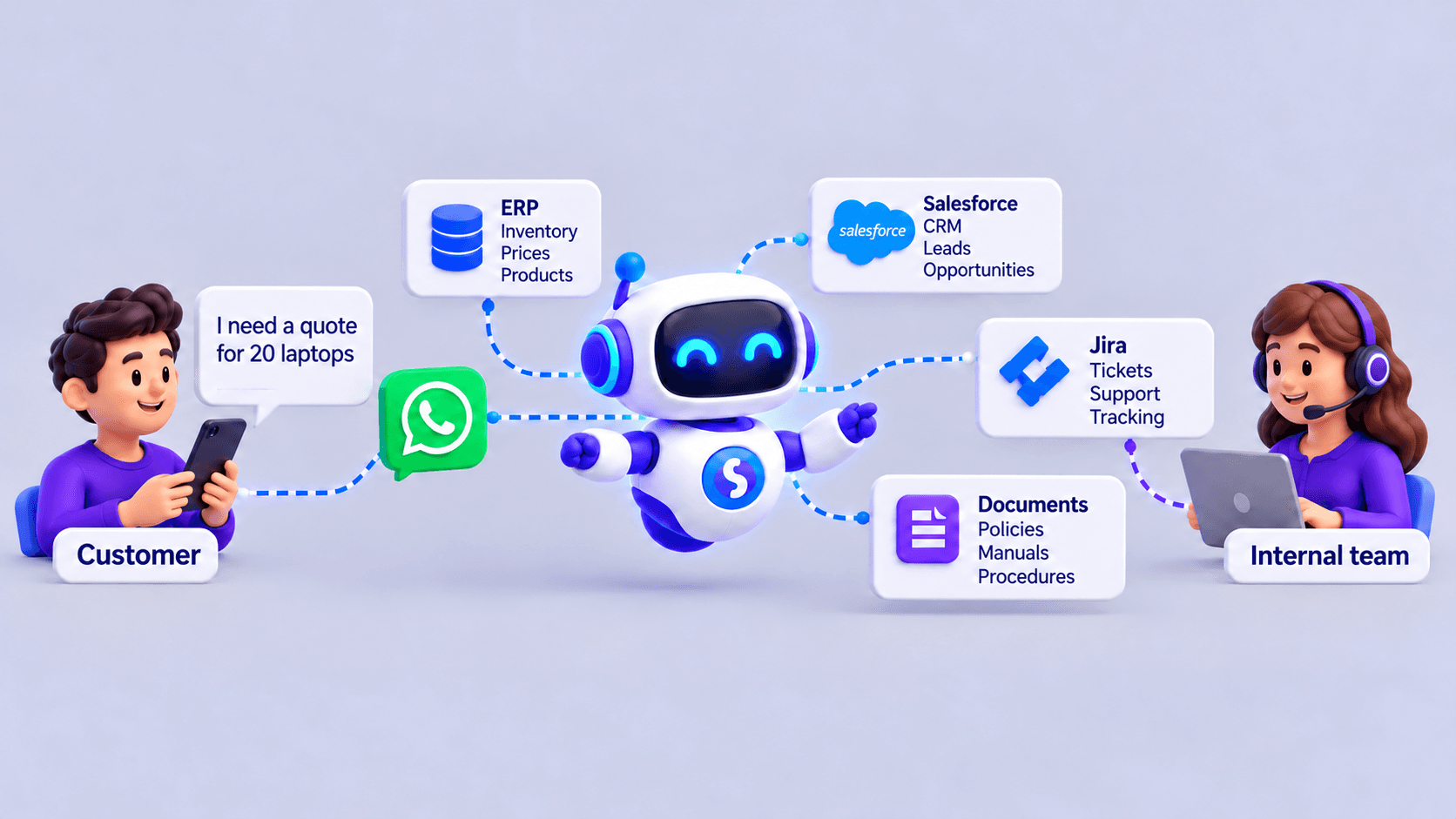
For example, a salesperson can ask about product stock. If the agent has an enabled inventory integration, it retrieves availability and reports the result. If the integration fails or information is missing, it should explain the limitation and offer an alternative.
The channel itself does not grant system access. Every connection must be designed, authorized and tested.
Beyond customer service
A conversation can also provide an entry point to sales, purchasing, internal support or HR processes. The user submits a request, and a specialized agent retrieves information relevant to its function.
This can reduce switching between applications for defined tasks. Business systems remain the source of data and the place where business rules are enforced.
Use cases by department
These examples are illustrative and require available sources and integrations.
| Department | Request or task | Required source |
|---|---|---|
| Customer service | Check an order's status or gather details for a handoff | Order system and procedures |
| Sales | Find products, stock or a pending opportunity | ERP or CRM |
| Purchasing | Look up the last recorded price of an item | ERP and purchasing records |
| Human Resources | Check a policy or the user's own leave balance | Document repository or HR system |
| Internal support | Retrieve a procedure or register a request | Manuals and ticketing system |
| Operations | Find instructions for a task | Current, authorized documentation |
How system access works
The basic process has six steps:
- The user sends a request through WhatsApp.
- The system verifies identity and permissions where required.
- The agent identifies the intent and asks for missing information.
- An authorized tool queries the ERP, CRM, API or document repository.
- The agent presents the available information or requests approval for an action.
- If it cannot continue, it hands the case to a person with the context collected.
User → WhatsApp → identity and permission checks → specialized agent → authorized system → answer or handoff.
A general policy question and a personal-data request require different controls. Knowing someone's phone number should not automatically grant access to sensitive information.
Does a business need just one agent?
Not necessarily. Separate agents for Sales, Purchasing, HR, Customer Service or Technical Support may be more appropriate.
Each can have different documents, tools, goals and permissions. A sales agent does not need access to payslips, and an HR agent does not need to modify commercial terms.
Permissions should be enforced by systems and tools as well as expressed in instructions. Recording access and actions also supports later review.
When should a person intervene?
Handoff is part of the process and should be available when requested or when a case exceeds the agent's scope. Examples include:
- Incomplete, conflicting or unavailable information.
- Sensitive requests or those requiring professional judgment.
- Commercial exceptions, approvals or negotiations.
- Integration failures.
- Actions requiring human authorization.
Before handing over, the agent can collect the reason for contact and the minimum necessary details. Avoid requesting personal documents that the process does not need, and define how the information is retained or deleted.
Start with a specific process
Choose a frequent, limited task with a reliable source, such as retrieving support procedures or checking orders for authenticated users.
Define who may use the agent, what it may query and which actions require confirmation. Test clear, ambiguous and out-of-scope requests, as well as attempts by users without permission, before expanding access.
Measure resolution time, answer accuracy, handoffs and satisfaction. A quick first reply helps, but the aim is for the user to move forward correctly.
Use our AI agent implementation guide to organize a pilot, or compare agents and chatbots if you are still choosing an approach.
Specialized agents with SabioIA
SabioIA supports agents for customers and internal teams, using documents and integrations suited to the process. Each implementation defines the scope, available tools and situations requiring human intervention.
Start with a real case: what question arrives, where the information is, who has permission to see it and how the process should continue after the answer.
Frequently asked questions
Can an ERP be queried from WhatsApp?
Yes, if the ERP offers a suitable integration and authentication, permissions and authorized queries are implemented. WhatsApp is the channel; ERP access requires a specific connection.
Can an agent serve employees and customers?
Yes, but their sources, tools and access controls should be separated. Internal data should not be available to external users.
Can actions be automated as well as queries?
That depends on the enabled tools. Actions that change information should have defined validations, confirmations and an operation record.
What happens if the agent cannot find an answer?
It should explain the limitation, avoid inventing data and offer a handoff. The human team should receive the context needed to continue.