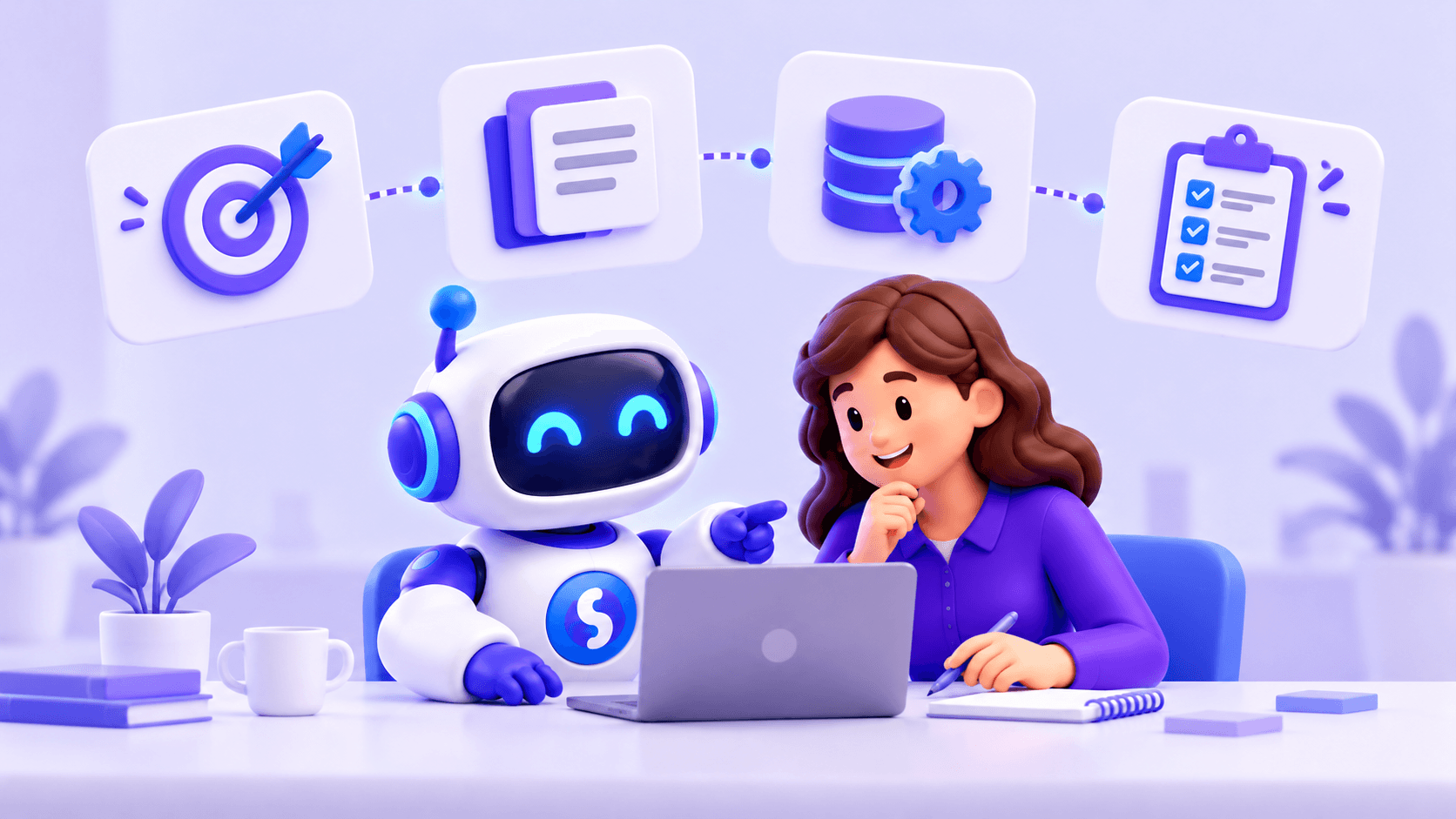
Implementing AI in a business should start with a specific problem worth solving. An agent can answer questions, access documents, query business systems and perform actions, but it needs reliable information, suitable tools and clear boundaries.
Connecting a model is only one part of implementation. The process also needs to be designed. Here is a practical sequence.
1. Identify the problem
A common mistake is choosing technology before deciding what it should improve. Start with an observable need: salespeople spending time checking stock, repeated customer questions, employees unable to find documents, buyers comparing supplier information or support staff handling repetitive requests.
The first use case should be frequent, measurable and specific. For example:
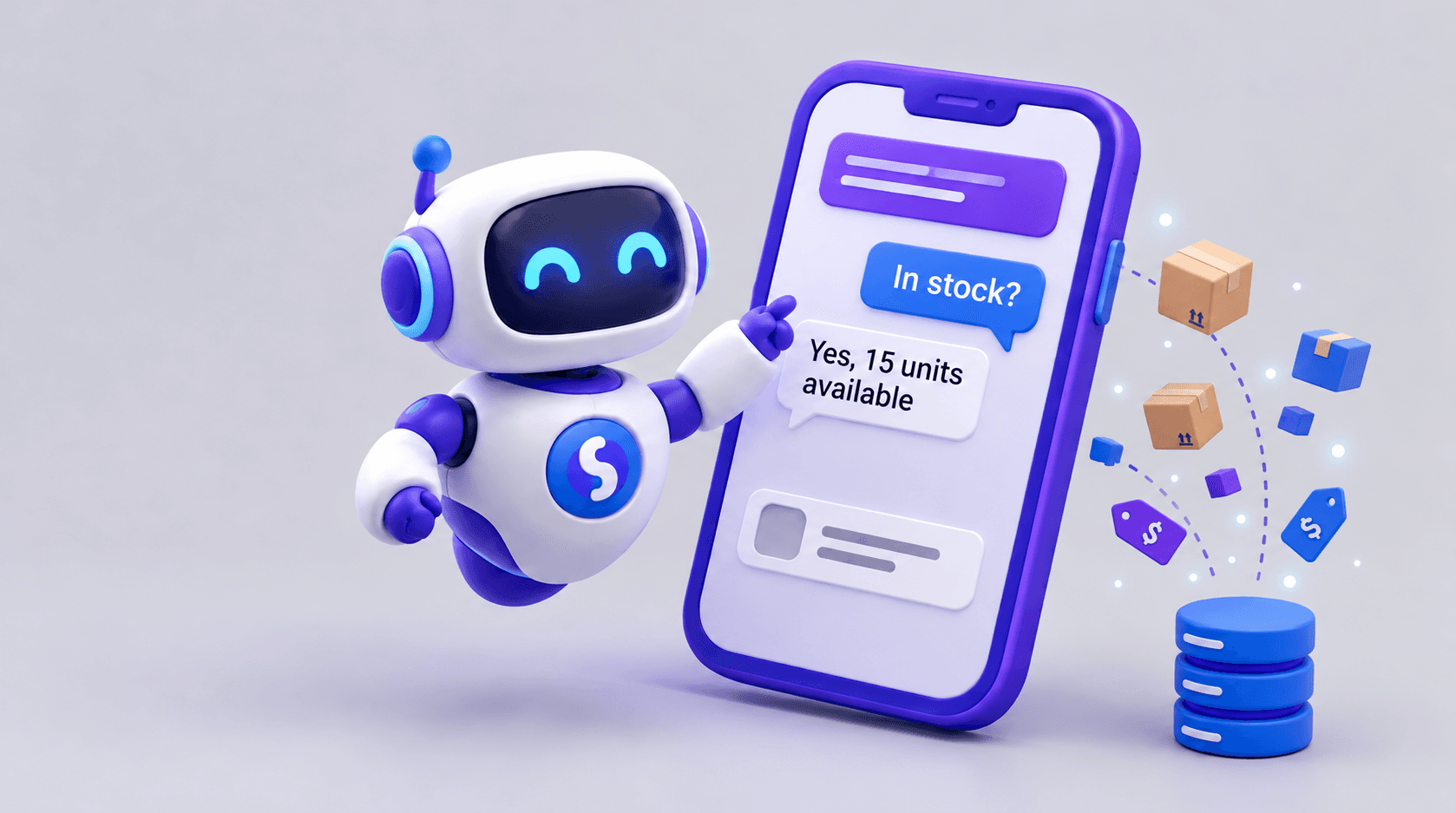
- Problem: salespeople repeatedly need product availability.
- Goal: let them check stock using natural language.
- Channel: WhatsApp or an internal application.
- Source: the inventory system.
- Expected improvement: less time spent searching manually.
This definition gives you something concrete to evaluate later.
2. Define who will use the agent
An agent does not have to serve customers. It may serve salespeople, service operators, administrative staff, buyers, suppliers or technical teams.
Customers may need simple, quick answers. Salespeople may need prices, availability and specifications. Buyers may need comparisons across sources. These users need different information, permissions and interfaces, so design around their actual work.
3. Locate the information
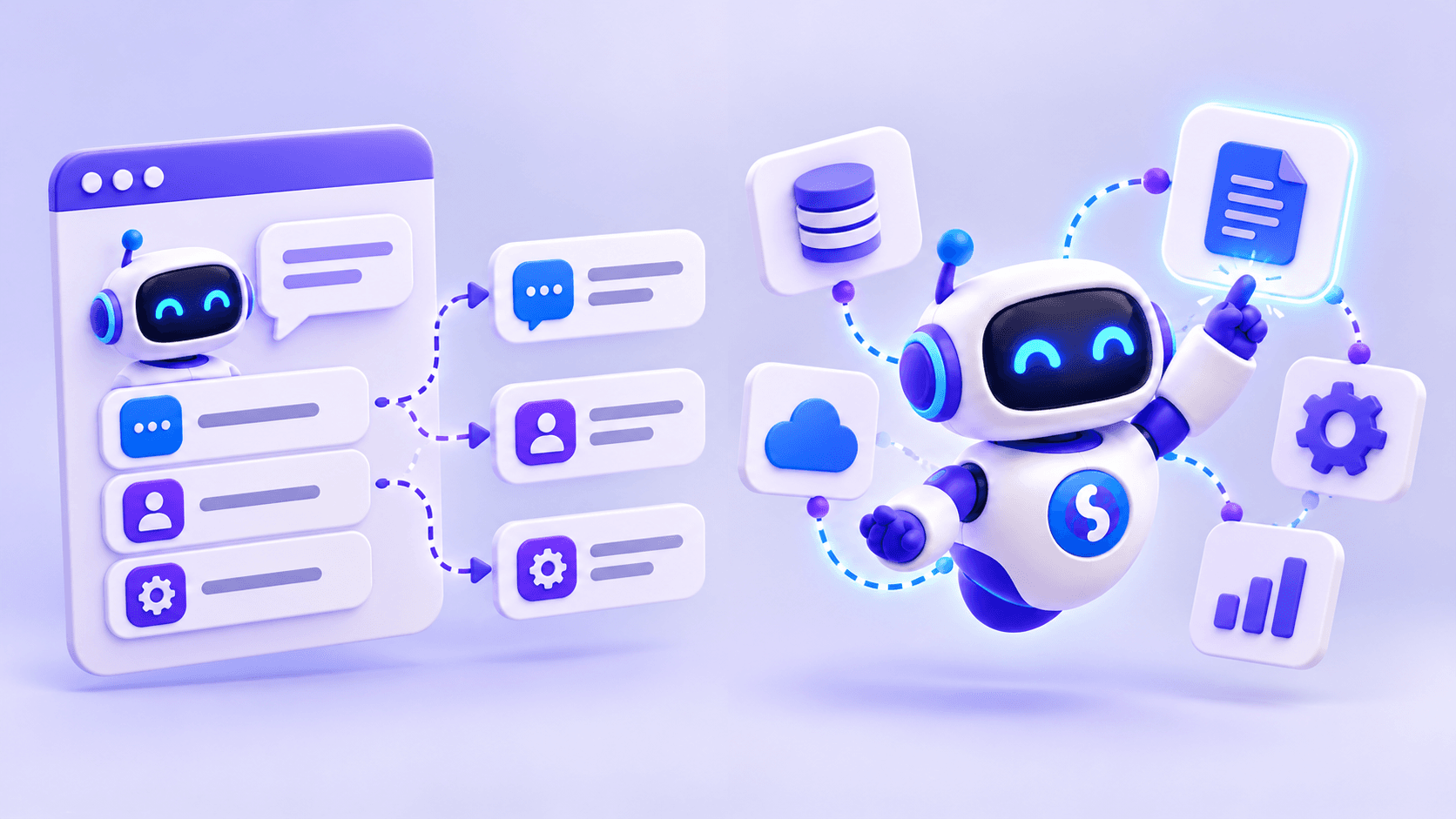
Sources may include documents, PDFs, spreadsheets, databases, APIs, ERPs, CRMs, e-commerce platforms, inventory systems and internal tools. Identify which sources are reliable and who keeps them current.
A business policy may be documented in a file; product availability normally needs an up-to-date system. Outdated information can make automation create more problems than it solves.
4. Separate stable and changing information
Relatively stable information
Policies, procedures, manuals, technical documents, FAQs and general conditions can be made searchable so the agent retrieves relevant passages when needed.
Dynamic information
Stock, prices, orders, invoices, customers, account balances, availability and delivery dates may change frequently. These usually need to be retrieved from the relevant system. A monthly stock file is not enough if inventory changes daily.
5. Define what the agent may do
Some agents only retrieve information. Others may create records, generate documents, update data, create sales opportunities, send information or start processes. Define each action explicitly.
An agent allowed to read an order's status is not necessarily allowed to cancel it. Similarly, preparing a quote does not imply permission to confirm a sale. Separating these capabilities supports better control.
6. Design the necessary integrations
System access generally requires APIs, databases or specific integrations. A sales agent might use an ERP for inventory and orders, a CRM for customer records, an e-commerce platform for products, internal documents for technical answers and a support system for handoffs.
Connect only what the first use case needs. Additional connections can come after the initial process has been validated.
7. Establish rules and limits
Define what information the agent can read and show, which actions it may perform, who can use each capability, when confirmation is required and what it must not answer.
For example, it might retrieve public prices but need human authorization for a special discount. Rules matter particularly when sensitive data or system changes are involved.
8. Design human intervention
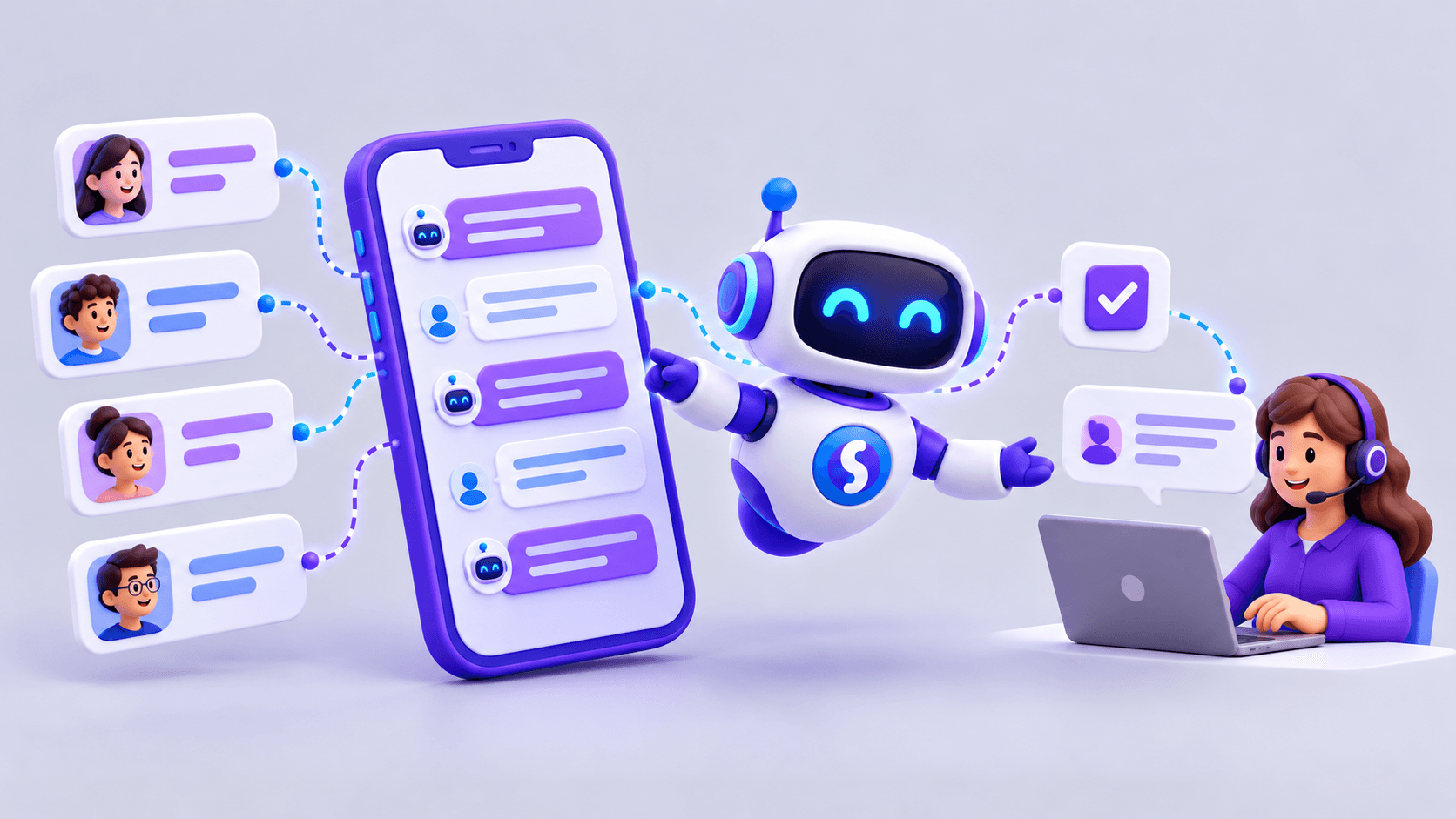
An implementation should handle requests for a person, missing information, exceptions, approval requirements, sensitive situations and insufficient confidence in an answer.
In customer service, the transition should be clear. Users should not be trapped in an automated conversation that cannot resolve their issue. Decide what context should accompany the handoff and who receives it.
9. Test with realistic conversations
Before broad rollout, test both routine and difficult cases:
- Expected: “Do we have product ABC123 in stock?”
- Ambiguous: “Do you still have the Lenovo we saw yesterday?”
- Multiple requirements: a laptop below a budget, with 16 GB of RAM and immediate delivery.
- Outside scope: “Can you approve a 30% discount?”
These tests reveal behavior when the conversation departs from the ideal path. Validate responses with the people responsible for the process.
10. Measure results
Useful measures may include request volume, resolution rate, handoffs, average response time, satisfaction, automated tasks, manual work saved, detected errors and sales opportunities generated.
Choose metrics that relate to the original problem. If the objective was to reduce internal stock searches, measure that work rather than treating the number of conversations as proof of success.
Practical implementation example
A technology distributor's salespeople search separate systems and files for stock, prices, specifications and alternatives. The first implementation connects an agent to the catalog and inventory.
They can ask, “I need 20 Lenovo laptops with 16 GB of RAM in stock.” The agent interprets requirements, queries the sources and returns options. After validating this capability, the business can add prices, quote preparation, opportunity records, comparisons or supplier queries.
Each stage builds on a use case that has already been tested.
Should everything be implemented at once?
Usually not. Automating many processes simultaneously increases complexity and makes failures harder to diagnose. A more manageable sequence is:
- Choose one concrete problem.
- Connect the necessary sources.
- Limit the agent to that process.
- Test with real users.
- Measure the results.
- Expand capabilities gradually.
How long does implementation take?
There is no single timeline. It depends on the number of systems, data quality, API availability, permitted actions, security controls, users and process complexity.
A document-based assistant may be relatively straightforward. An agent connected to multiple systems and allowed to change records requires more integration and validation work. Agree on scope before setting expectations.
Implementing AI agents with Sabio
Sabio focuses on business processes. An implementation can begin with documents and straightforward questions, then add APIs, internal systems or external tools. WhatsApp and web chat can combine automation with human intervention.
Start with a defined problem, measure the outcome and expand progressively. The purpose is a concrete, measurable process improvement.